
VAULT by Toolkit
VAULT screenshots
What VAULT by Toolkit looks like: catalog, versions, comments, private links, inboxes and more.
VAULT screenshots
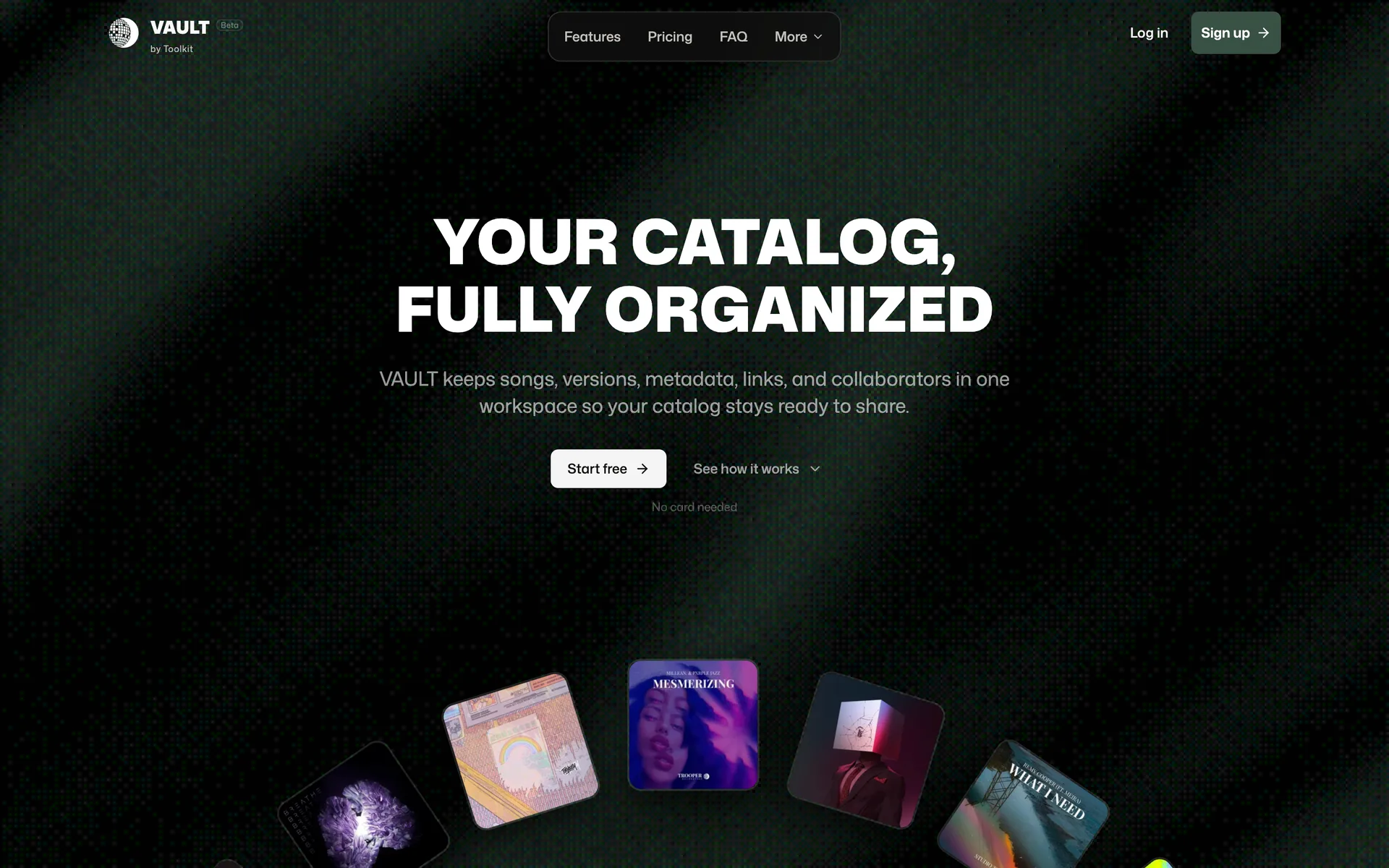
VAULT keeps songs, versions, metadata, links and collaborators in one workspace.
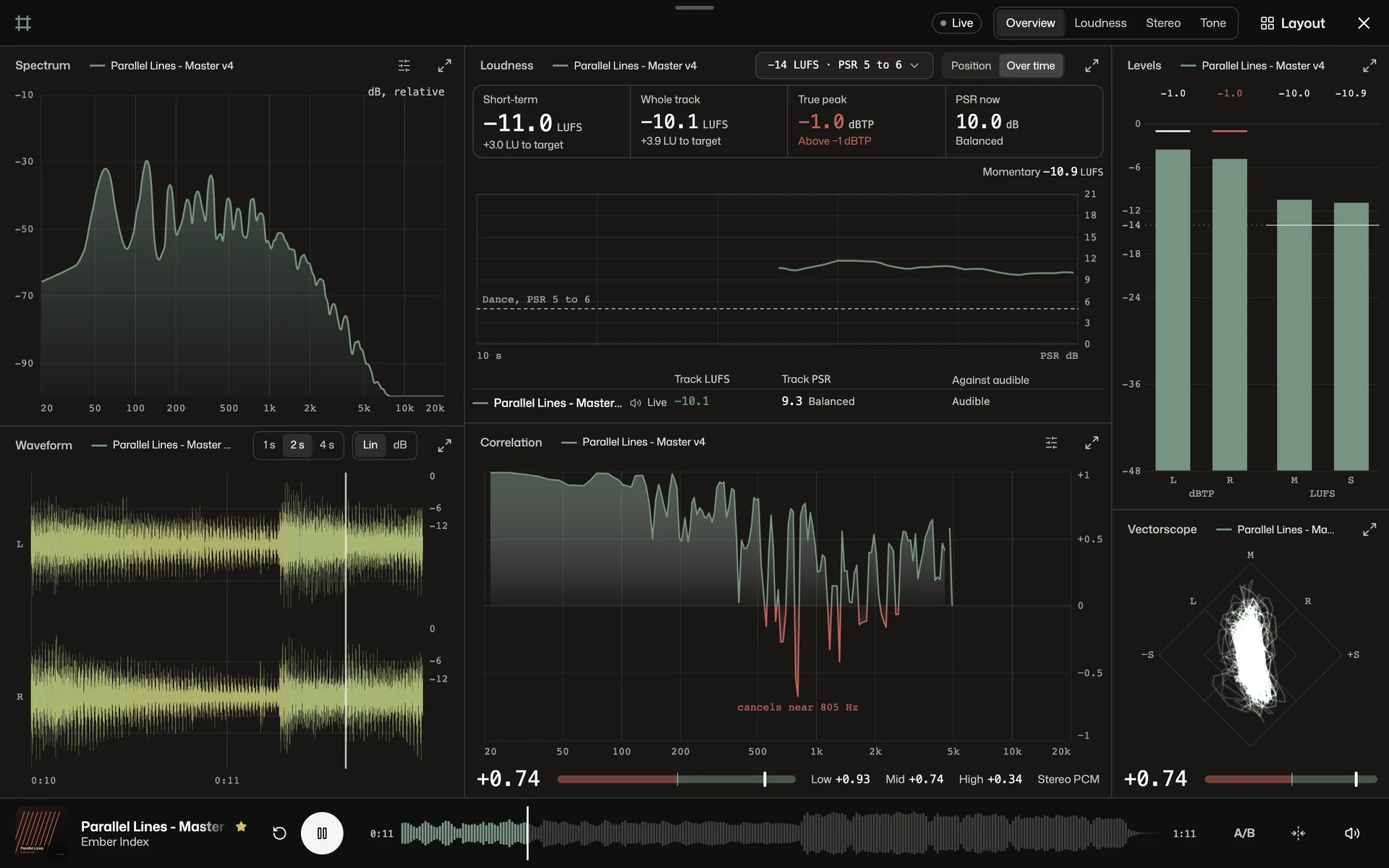
Visual Mode turns the player into an analysis view: spectrum, loudness in LUFS, true peak, levels, correlation and a vectorscope, live while the track plays. Free includes spectrum, waveform and levels; Creator unlocks all ten panels.
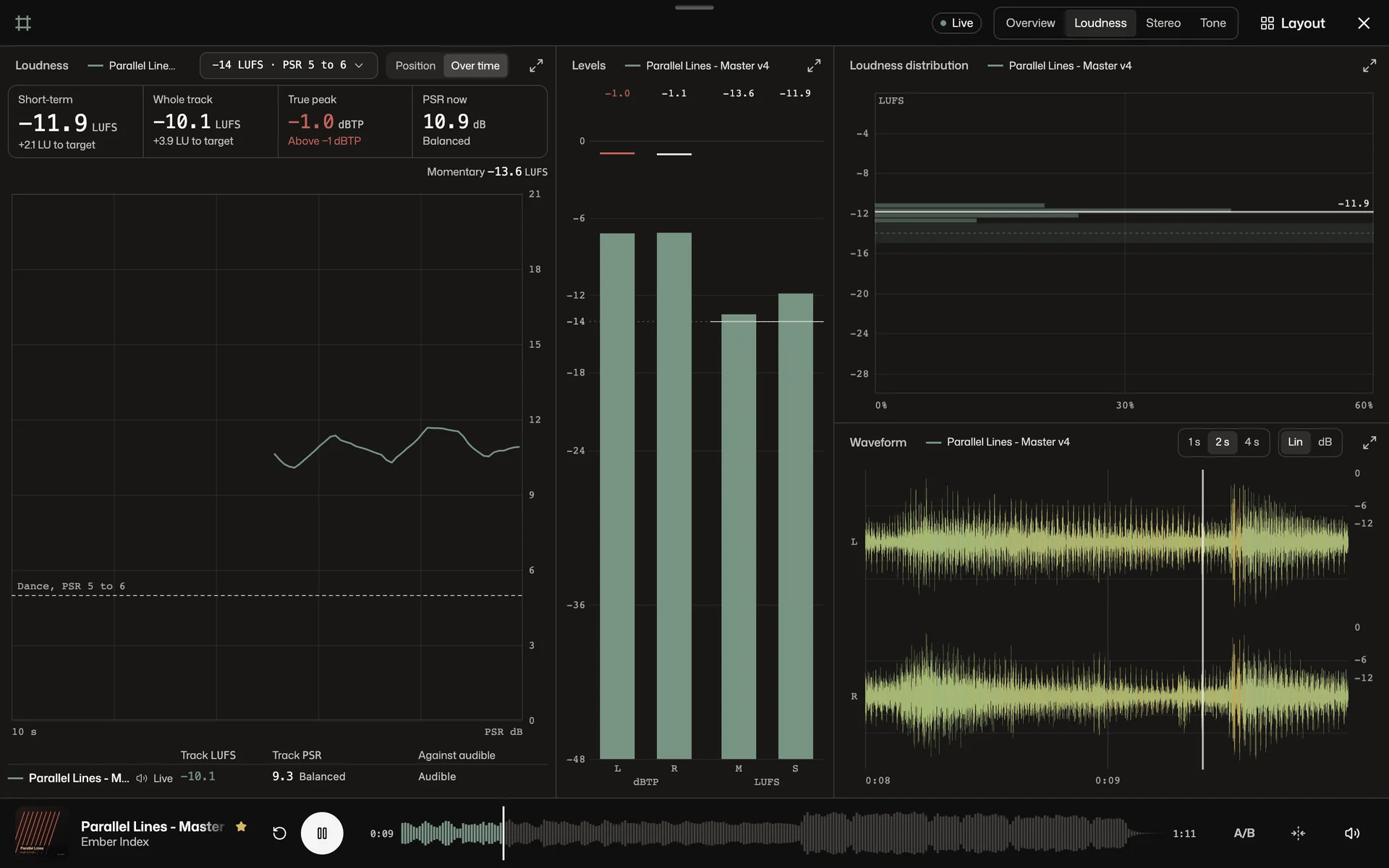
Check loudness while you listen: short-term and whole-track LUFS, true peak, dynamics (PSR) over time and a loudness distribution. Custom loudness targets are a Pro feature.
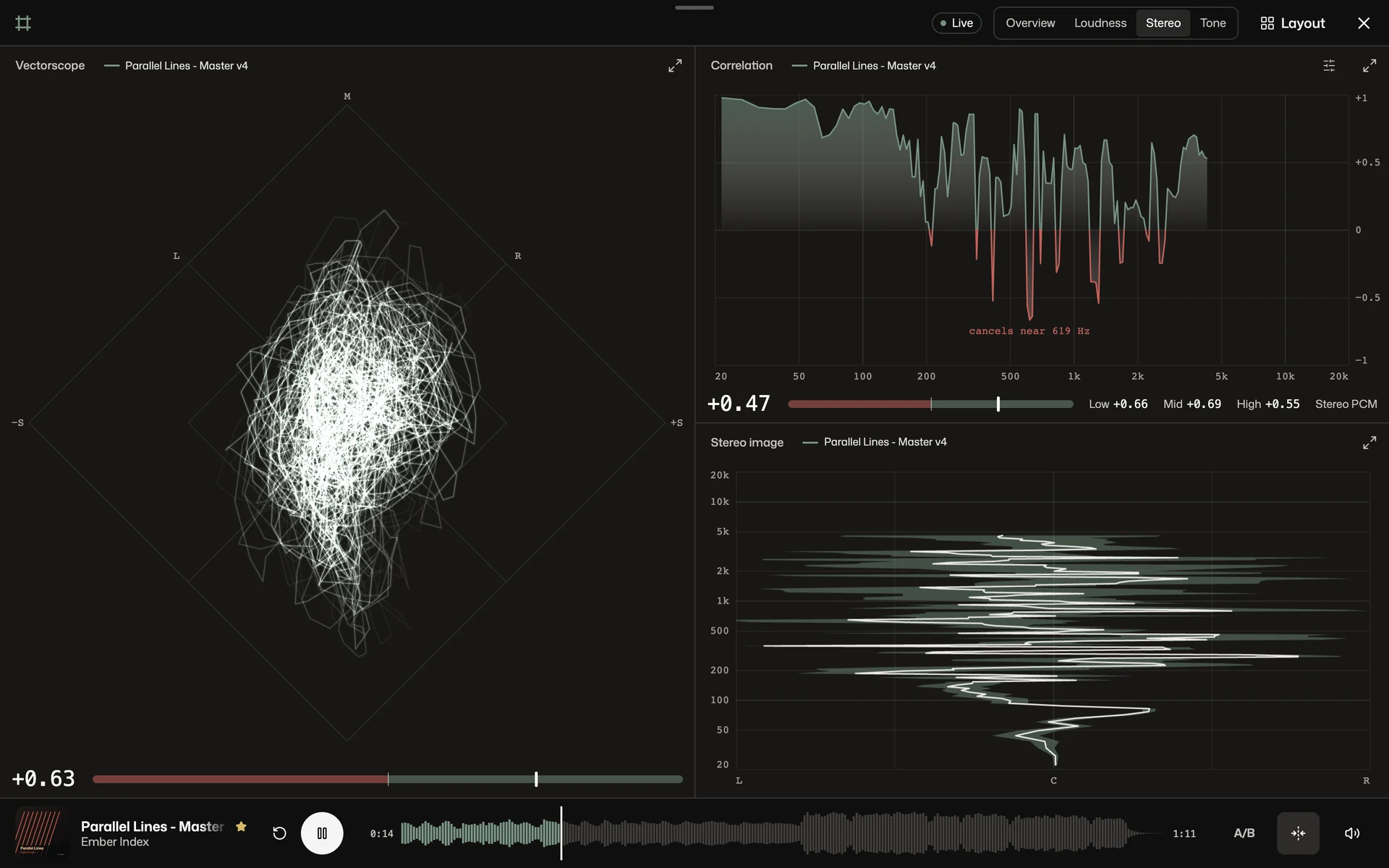
The stereo view shows a vectorscope, correlation by frequency and the stereo image. The monitor button in the player switches playback to mono or sides, a Pro reference tool.
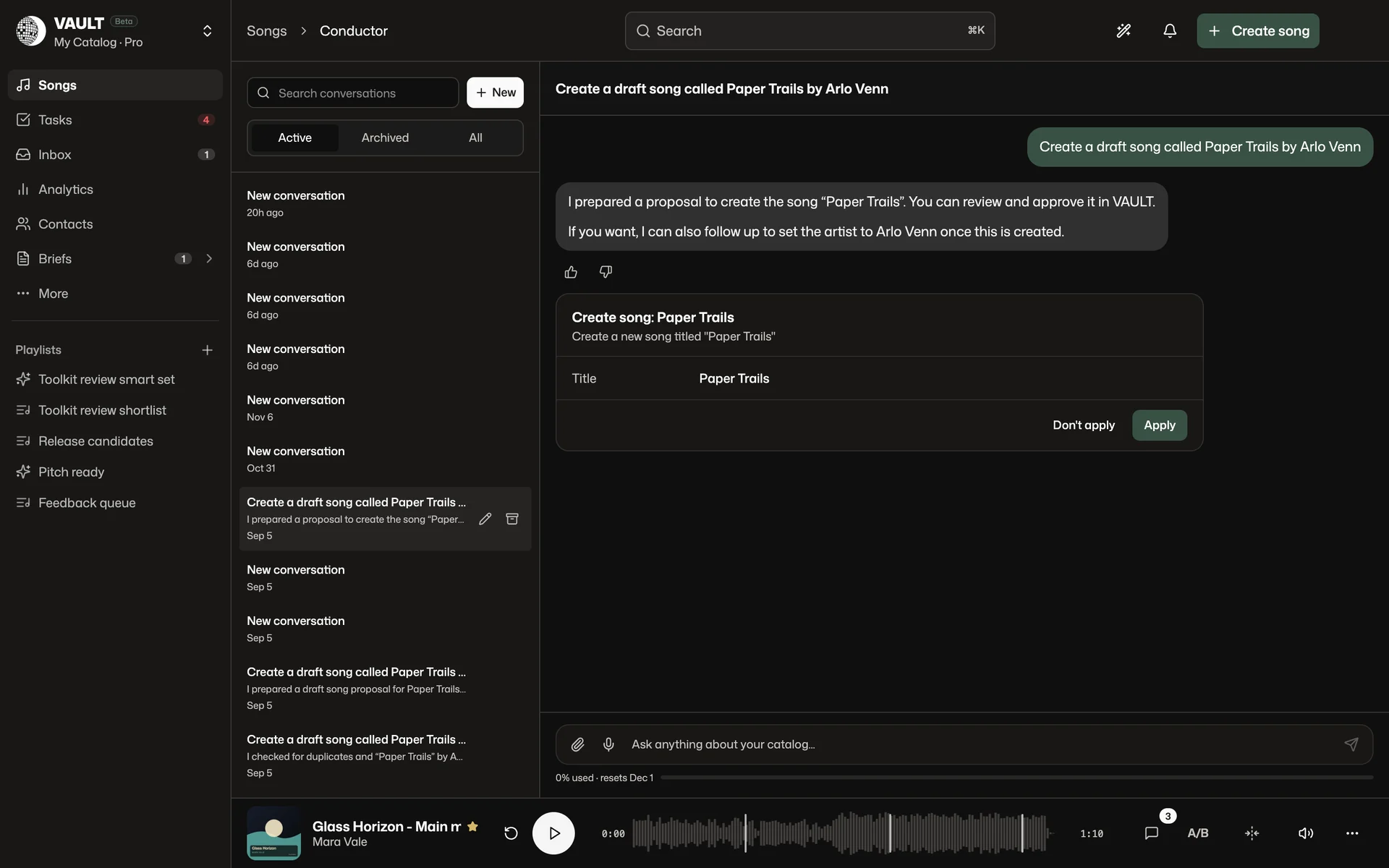
Ask Conductor for a change in plain language. It prepares a proposal that you apply or decline.
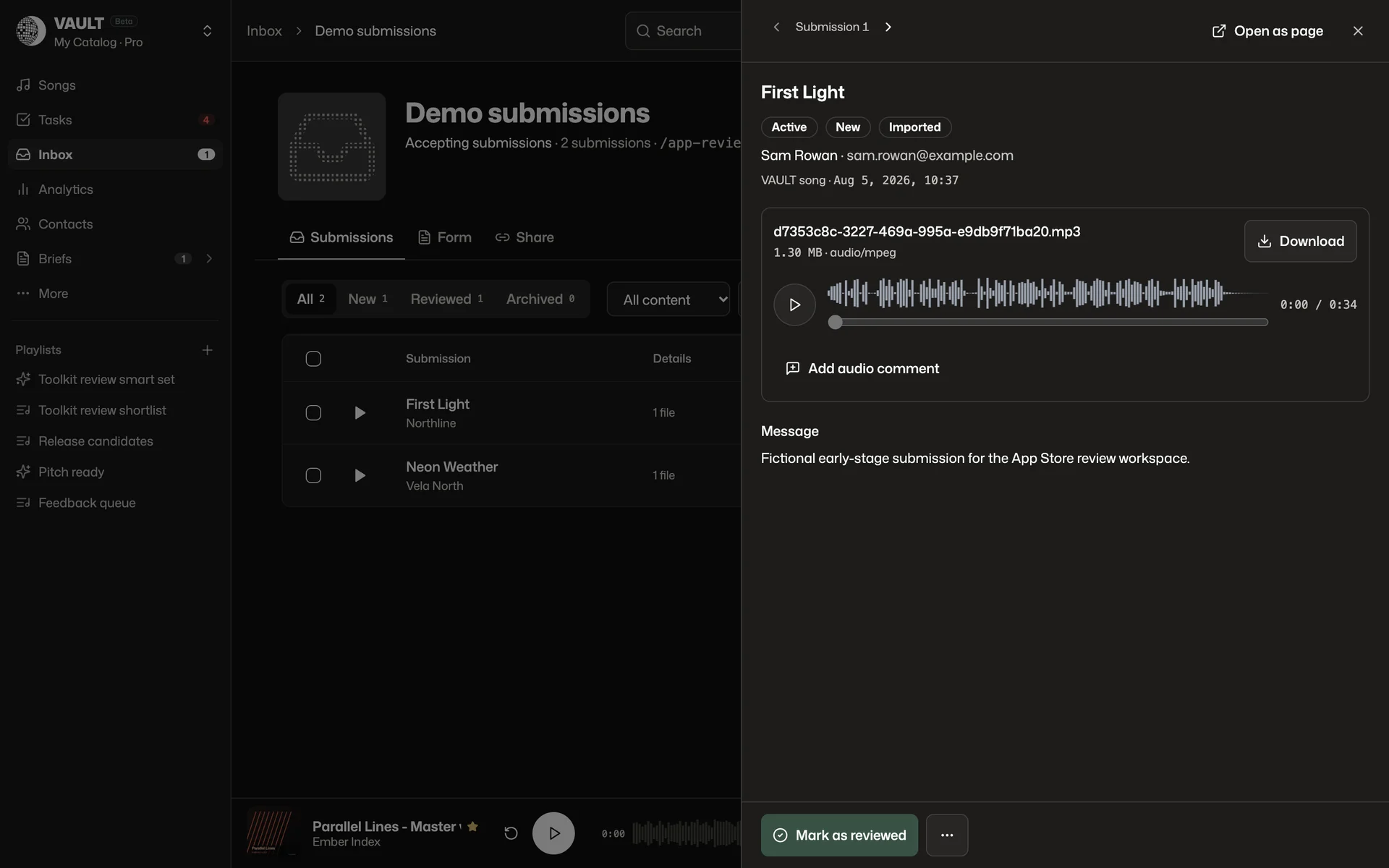
Open a submission to play the audio, read the message, download the file and mark it reviewed.
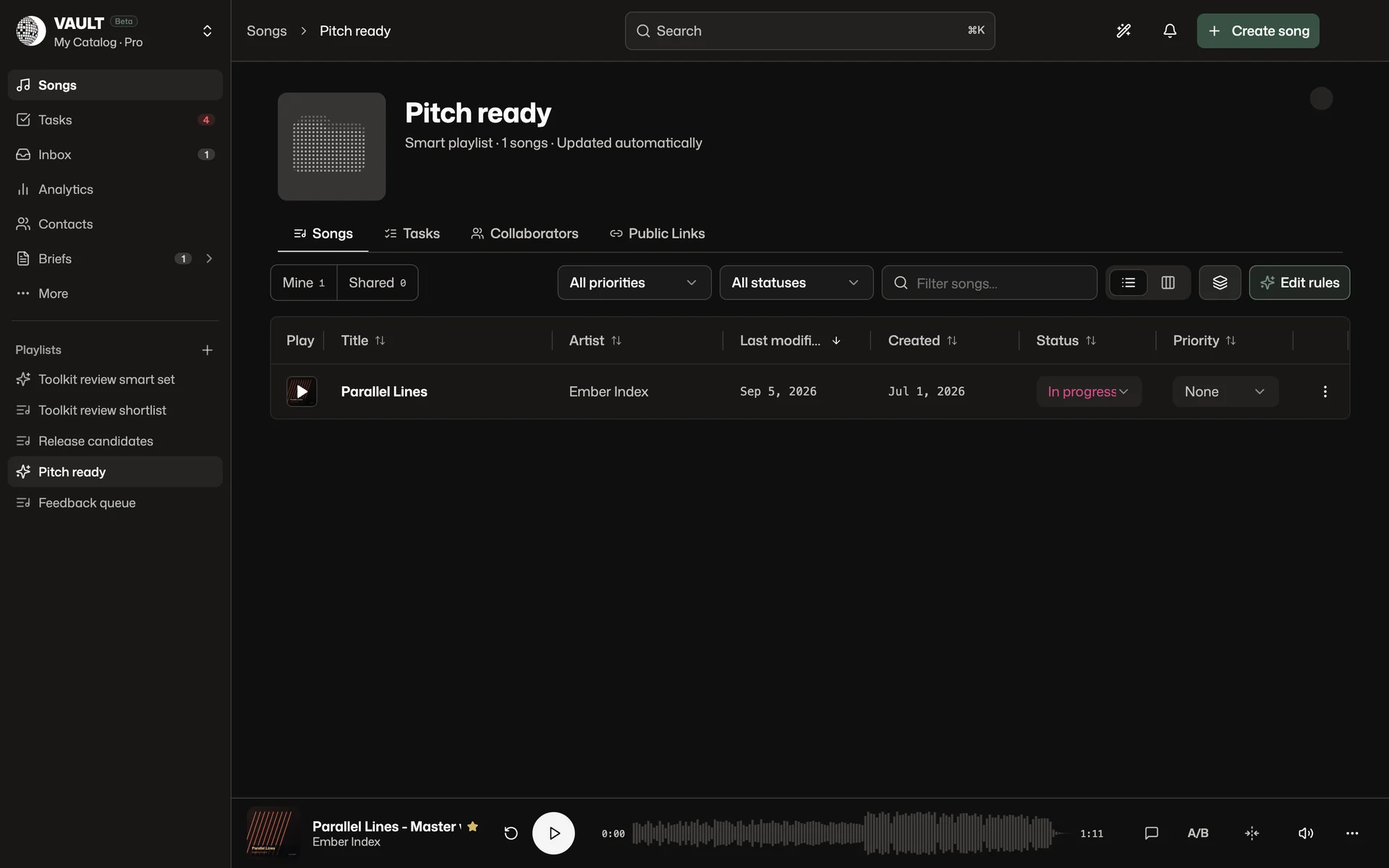
Smart playlists keep themselves up to date from rules on your metadata.
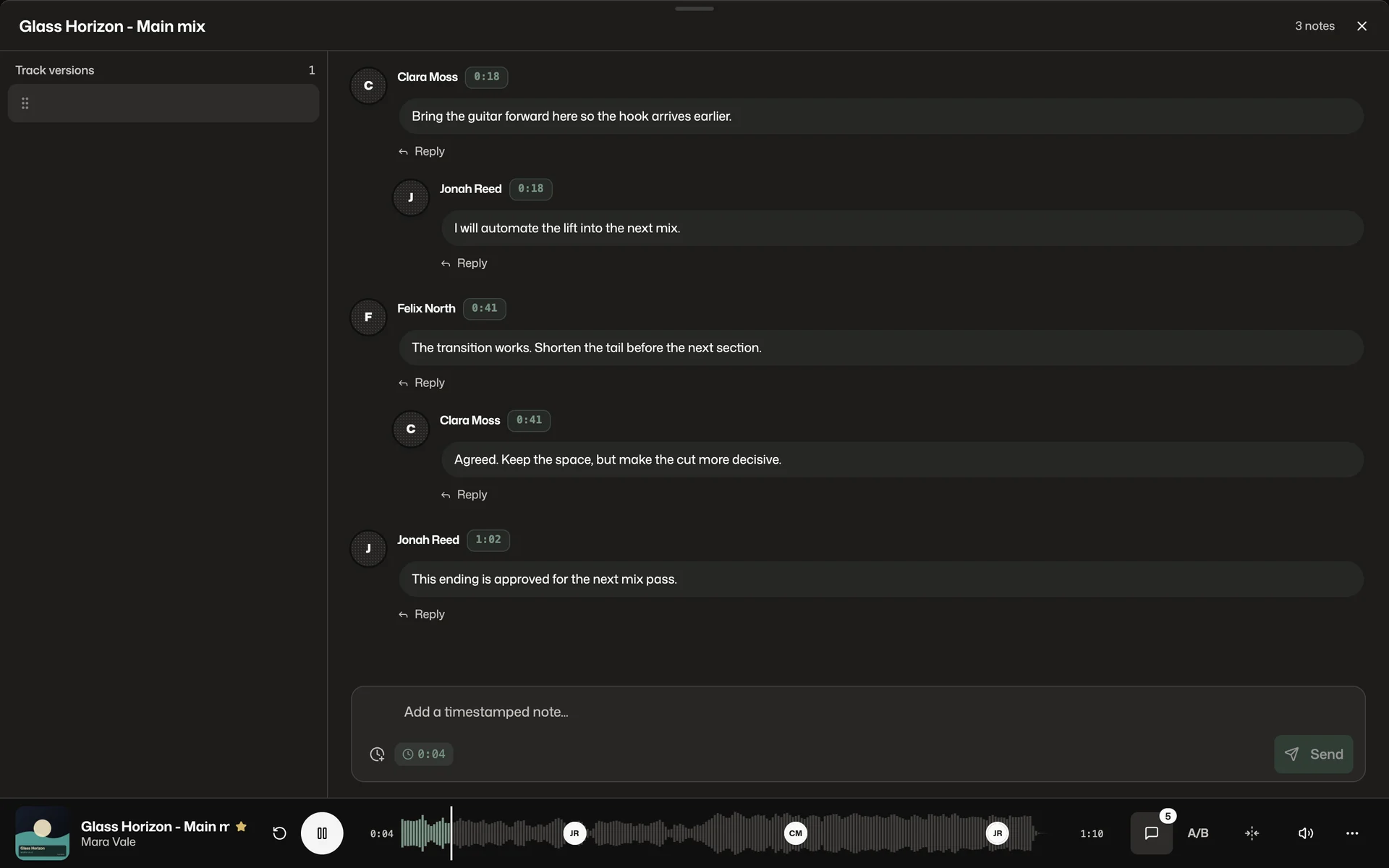
Collaborators pin notes to a moment in the track and reply in threads. The markers on the waveform jump to each comment.
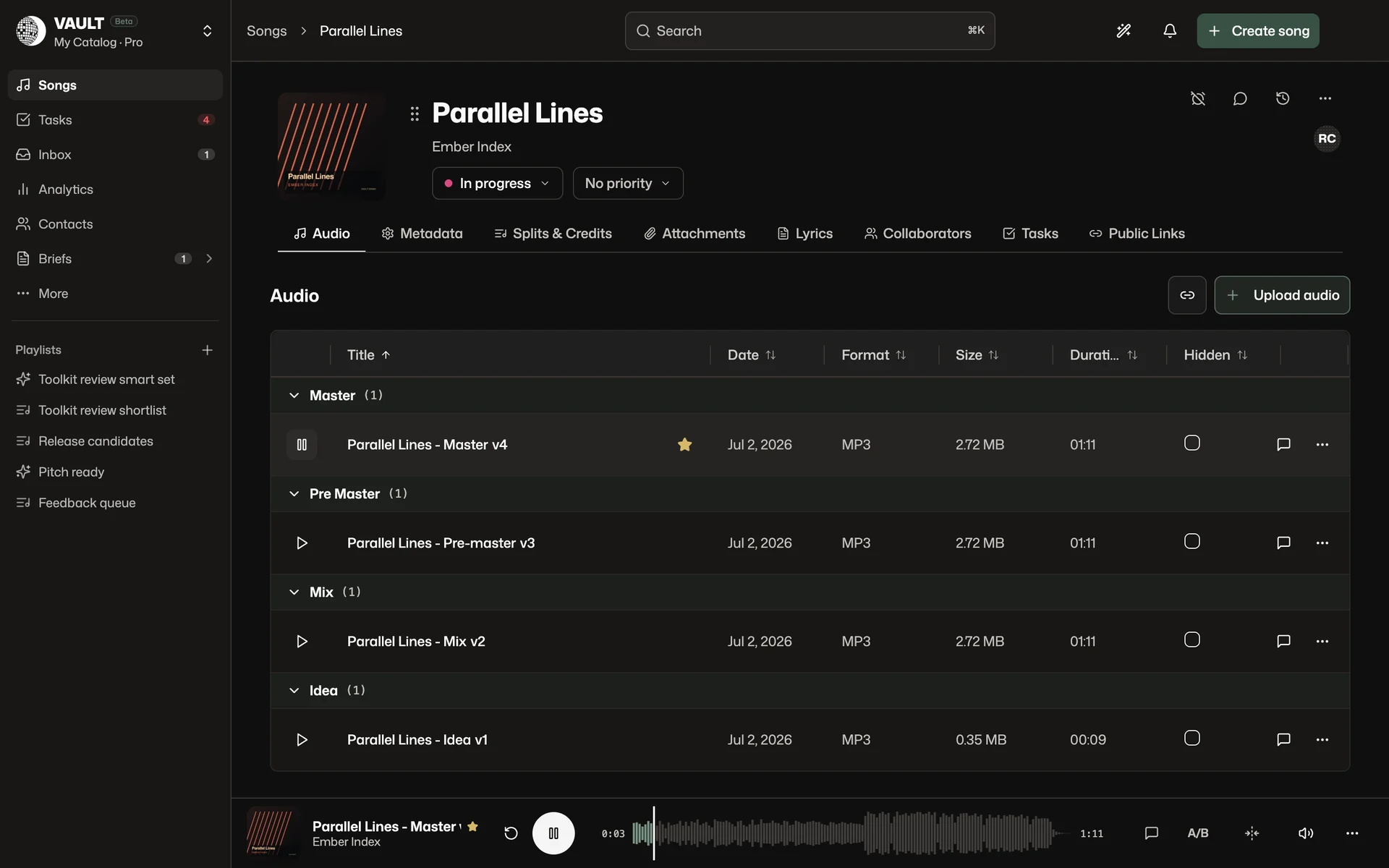
A song keeps its idea, mix, pre-master and master together, with the main version marked and each one playable.
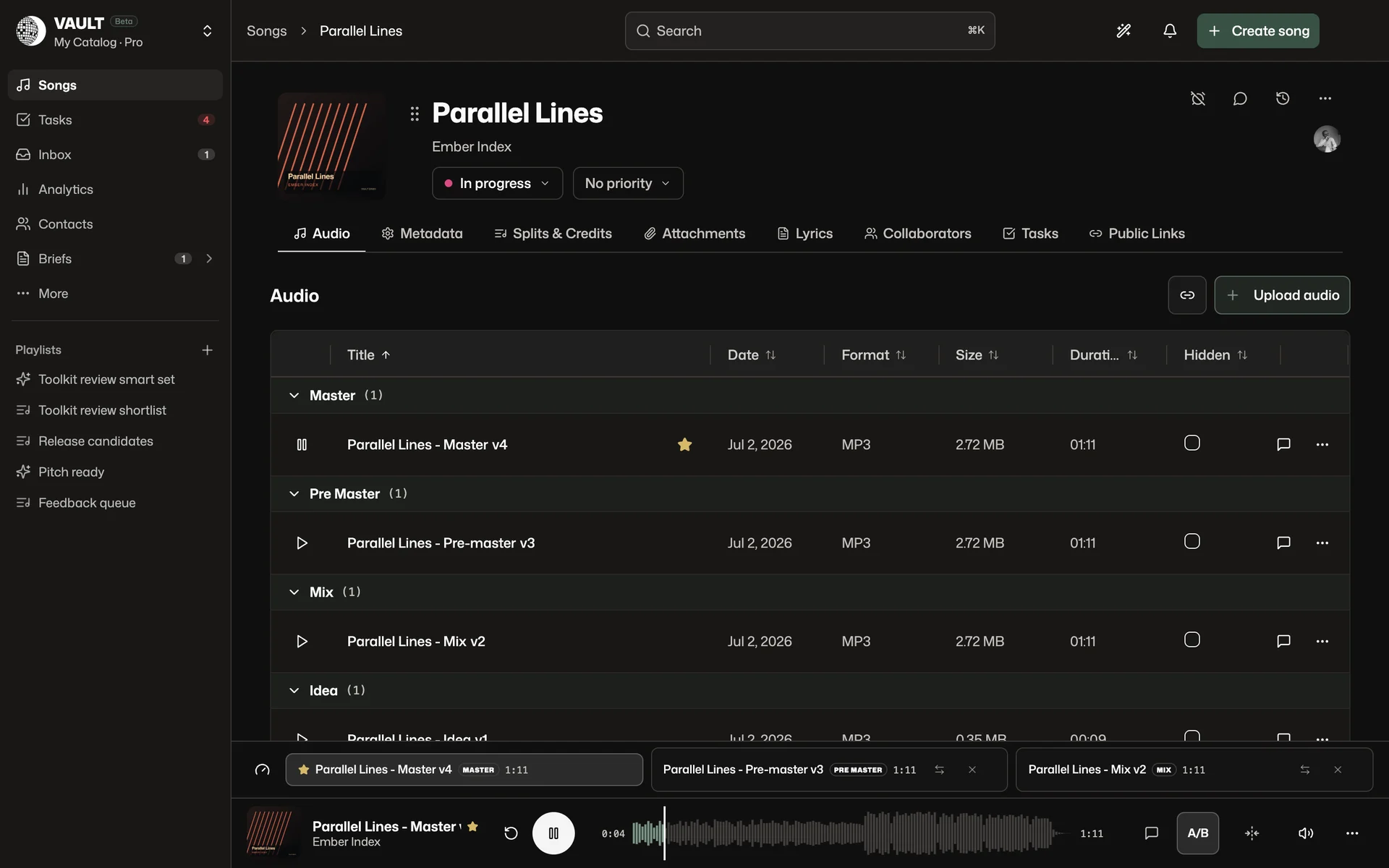
A/B compare switches between versions of a song at the same position, so you hear exactly what changed. Loudness matching is a Pro feature.
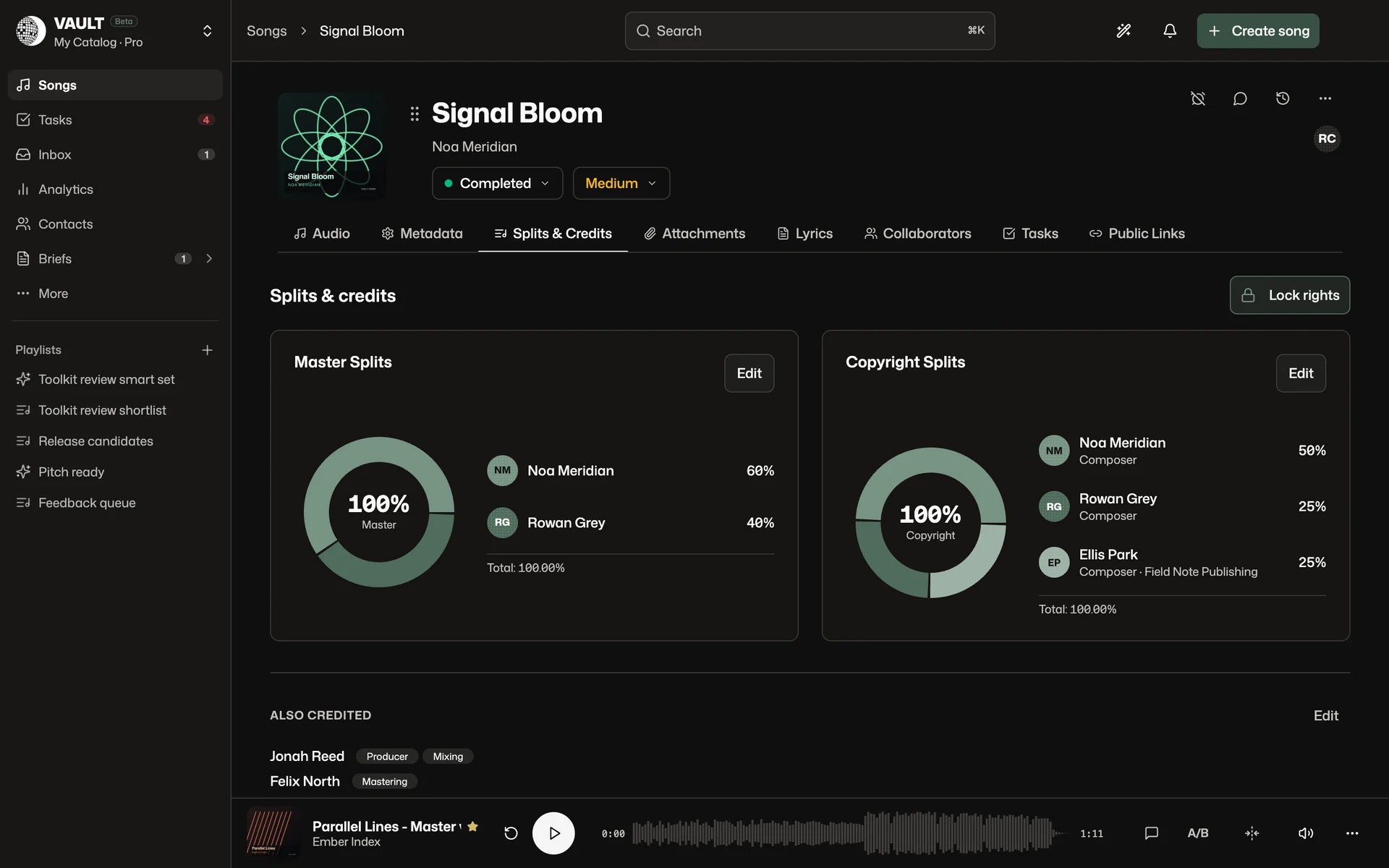
Keep master splits, copyright splits and credits with the song, with totals checked to 100%.
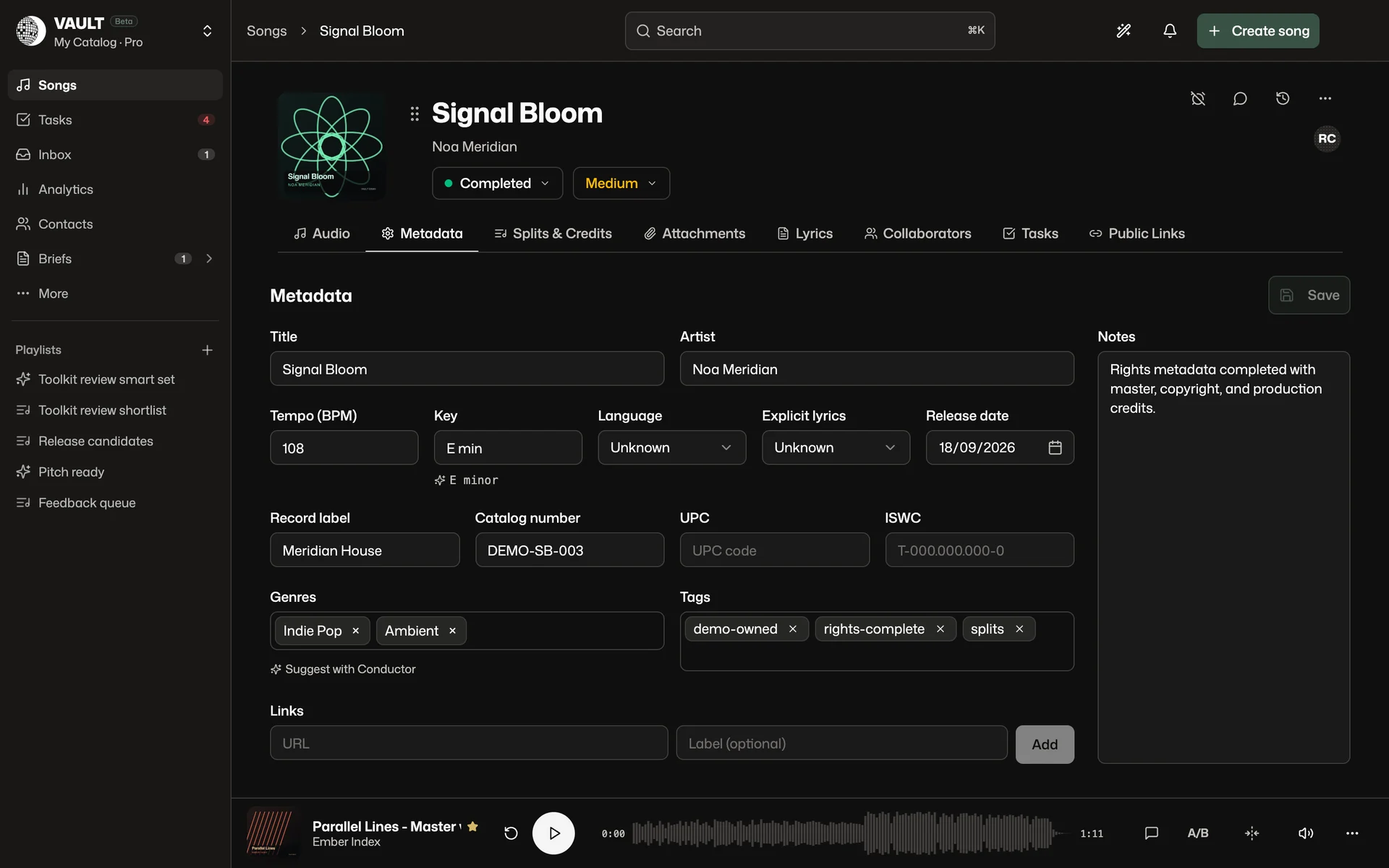
Store BPM, key, label, catalog number, release date, genres, tags and notes on every song.
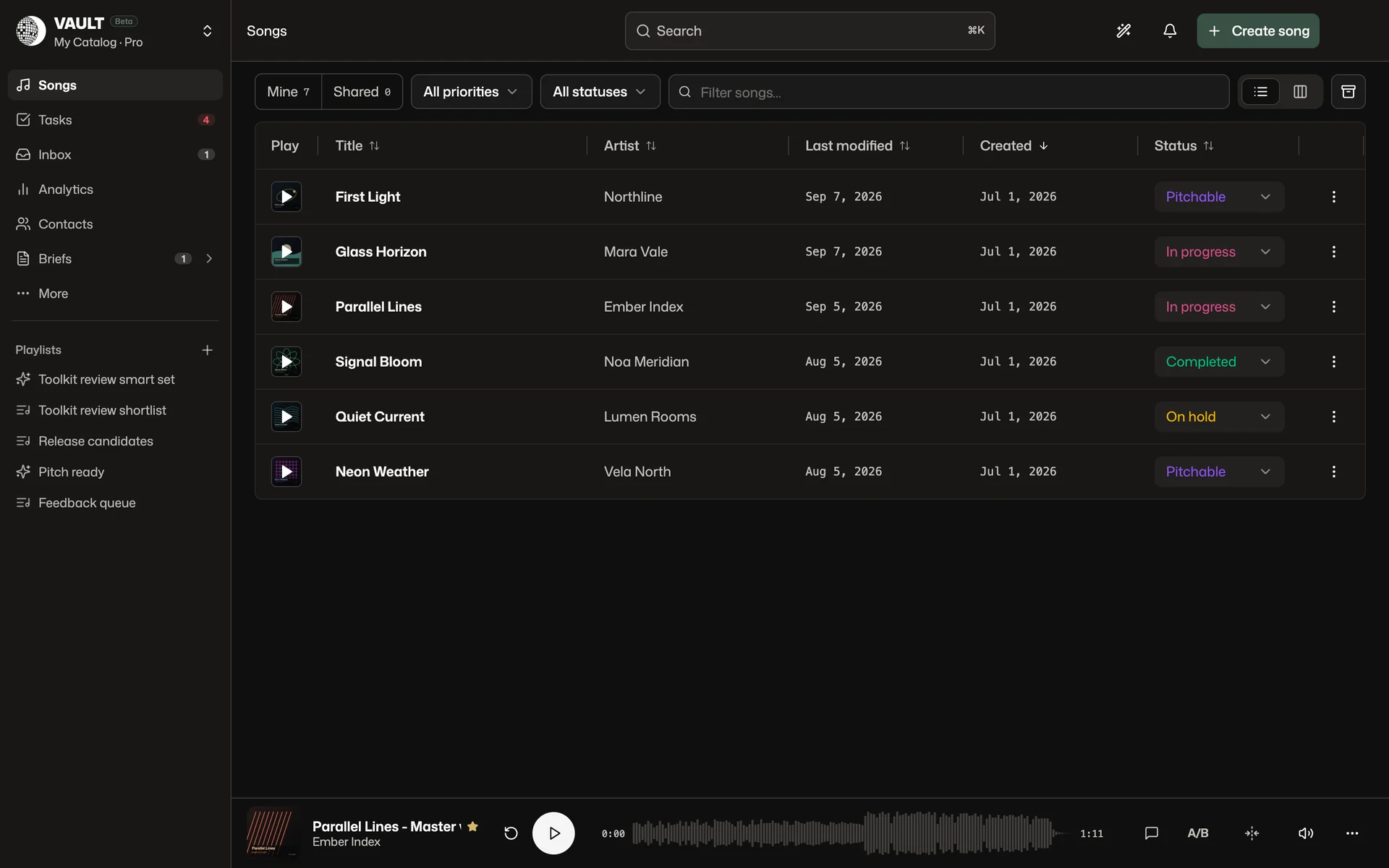
The catalog lists every song with its artist, dates and status, ready to filter, sort and play.
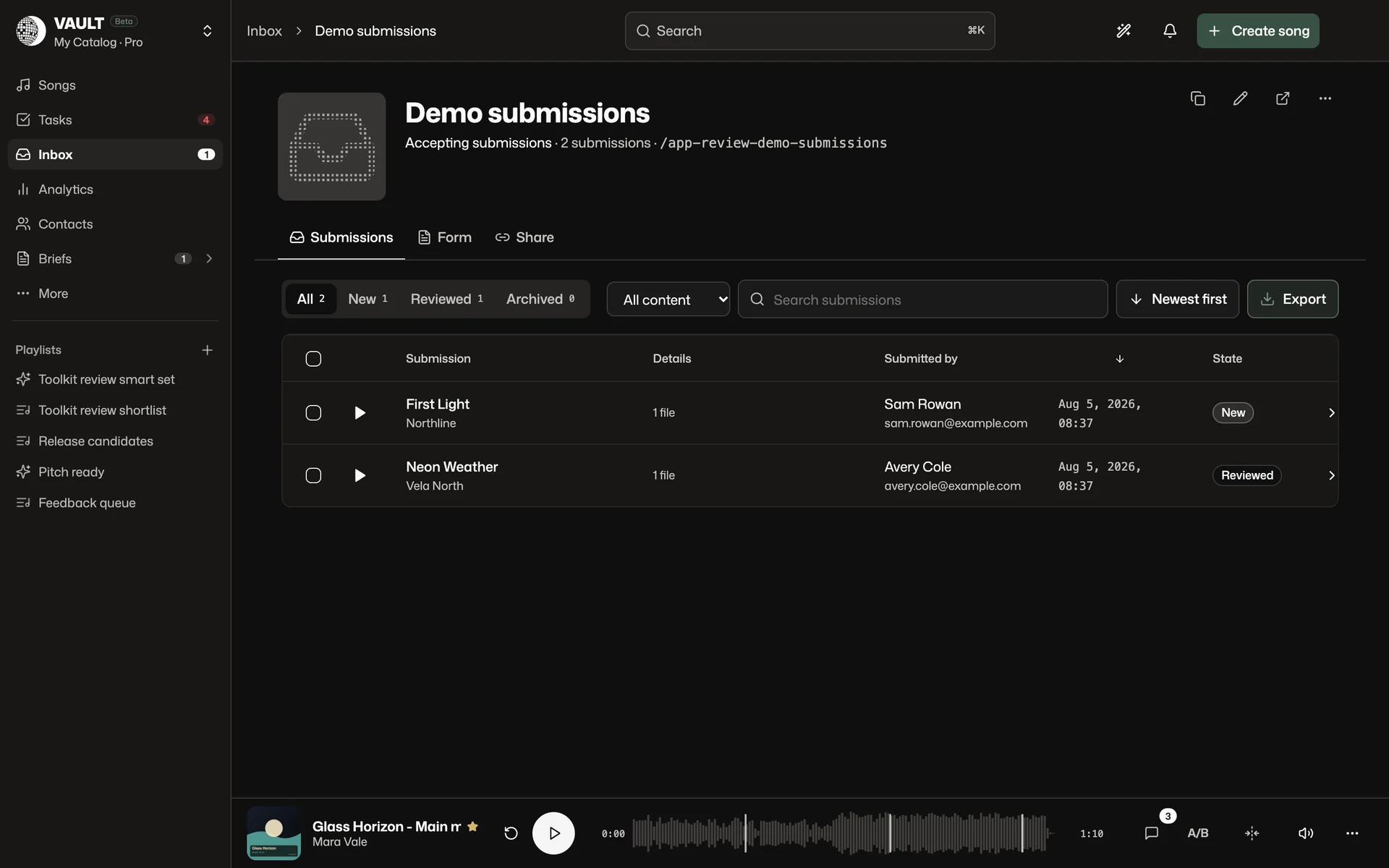
A public inbox link collects submissions. Each one shows who sent it, when, and whether it has been reviewed. Inboxes start on the Creator plan.
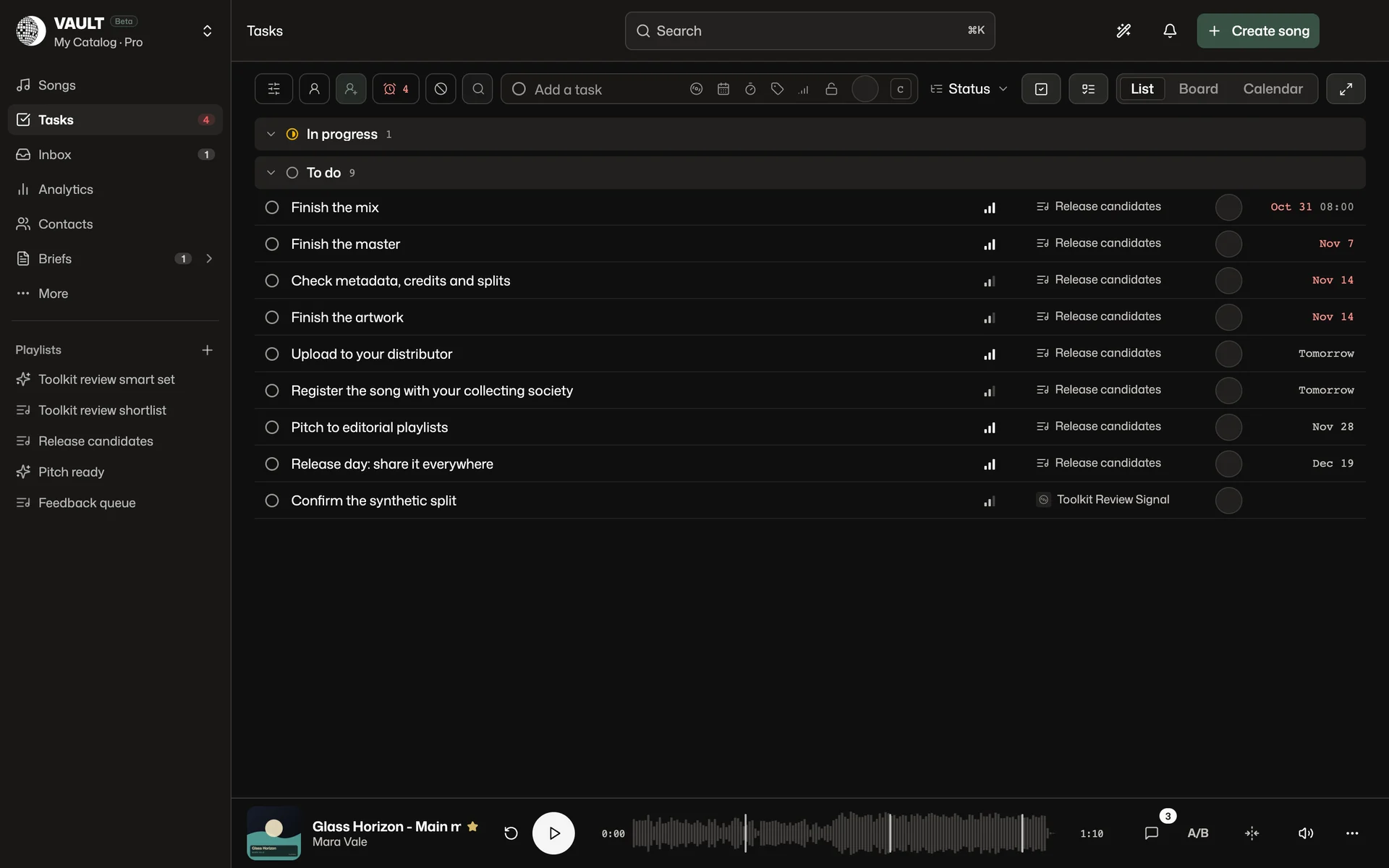
Release work becomes tasks with due dates, grouped by status and linked to playlists and songs.
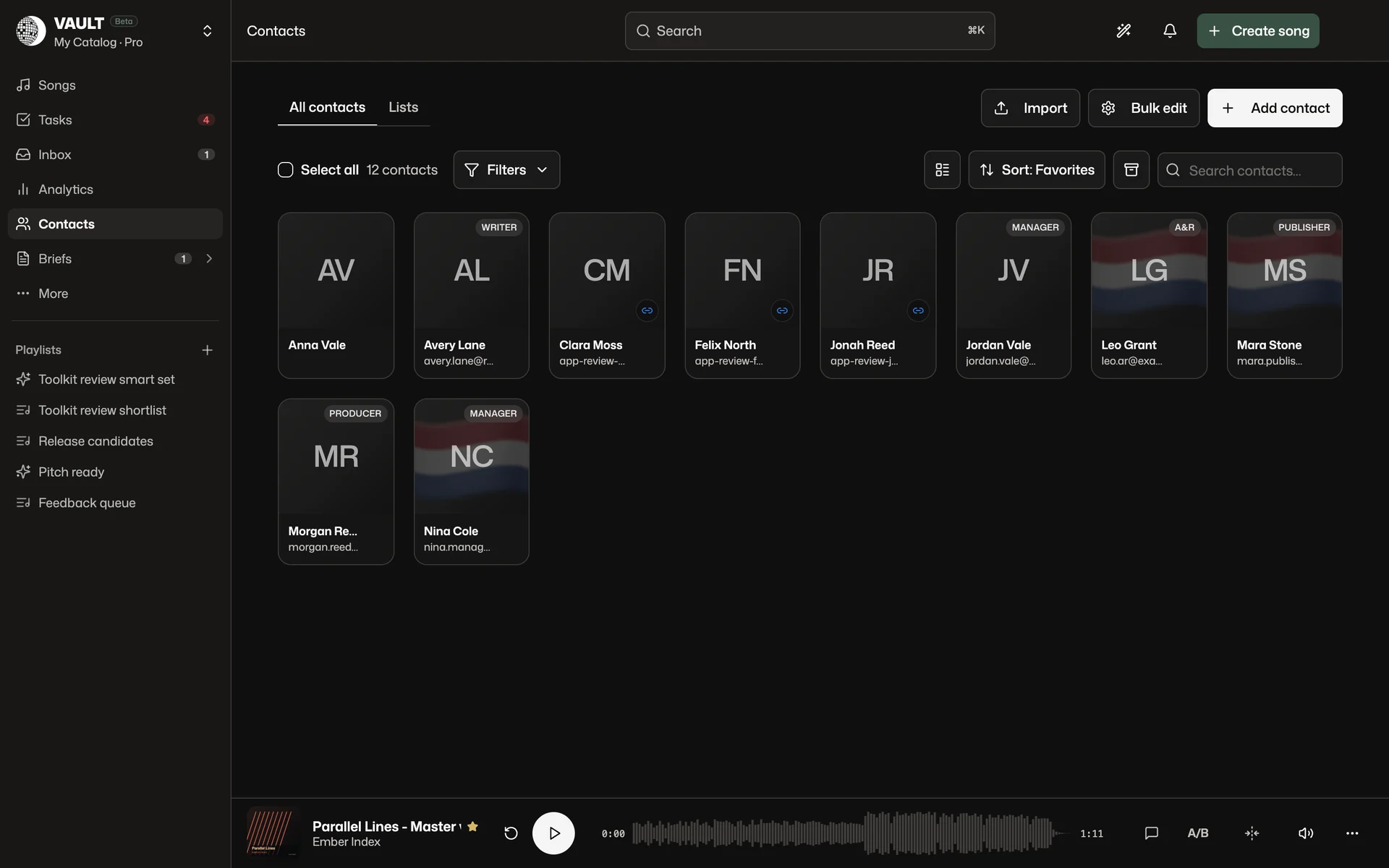
Contacts carry roles such as writer, manager, A&R, publisher and producer, ready to share music with or credit on a song.
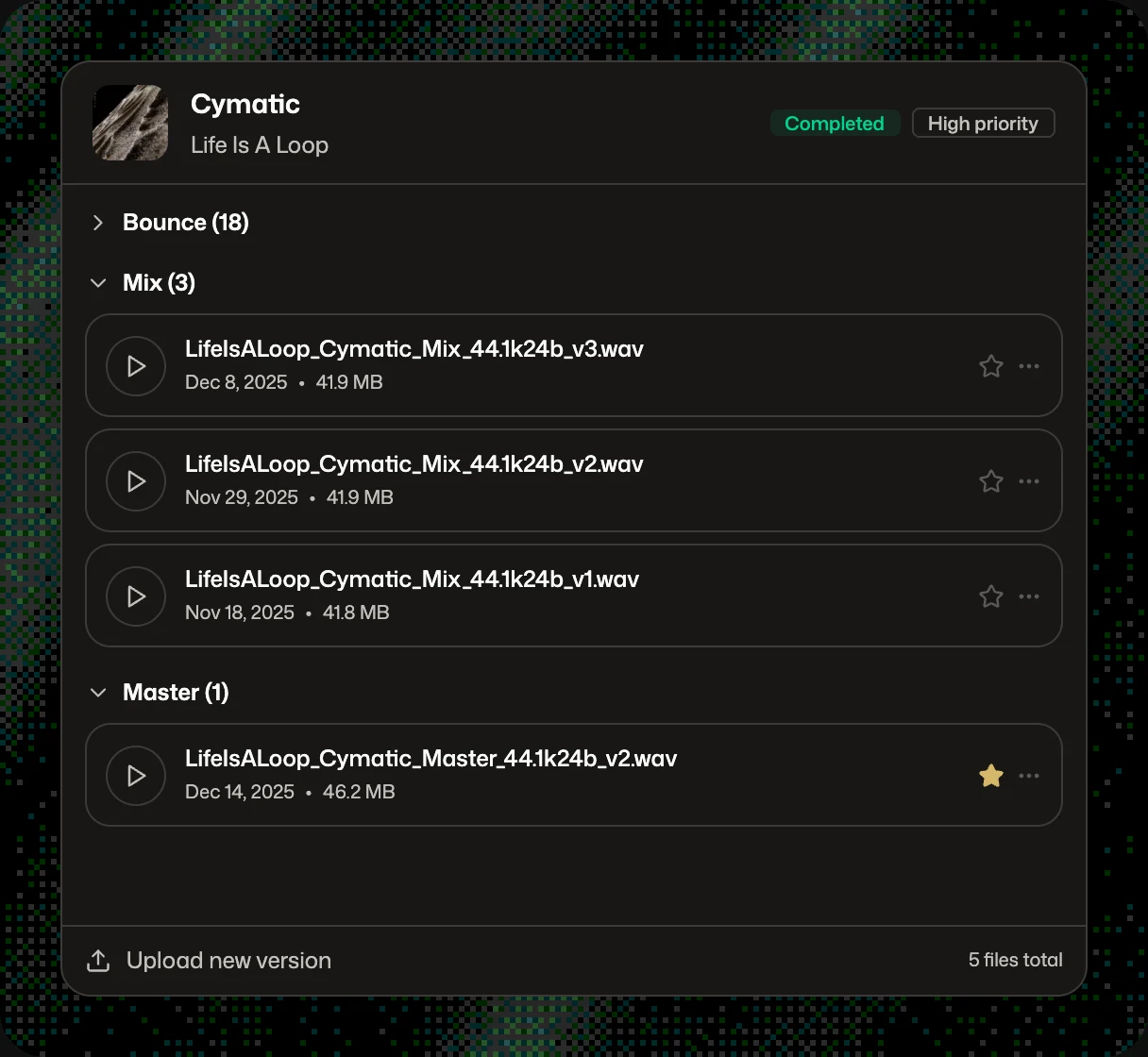
Every version of a song stays together: bounces, mixes and the master, with lossless playback and A/B compare. Loudness-matched A/B is a Pro feature.
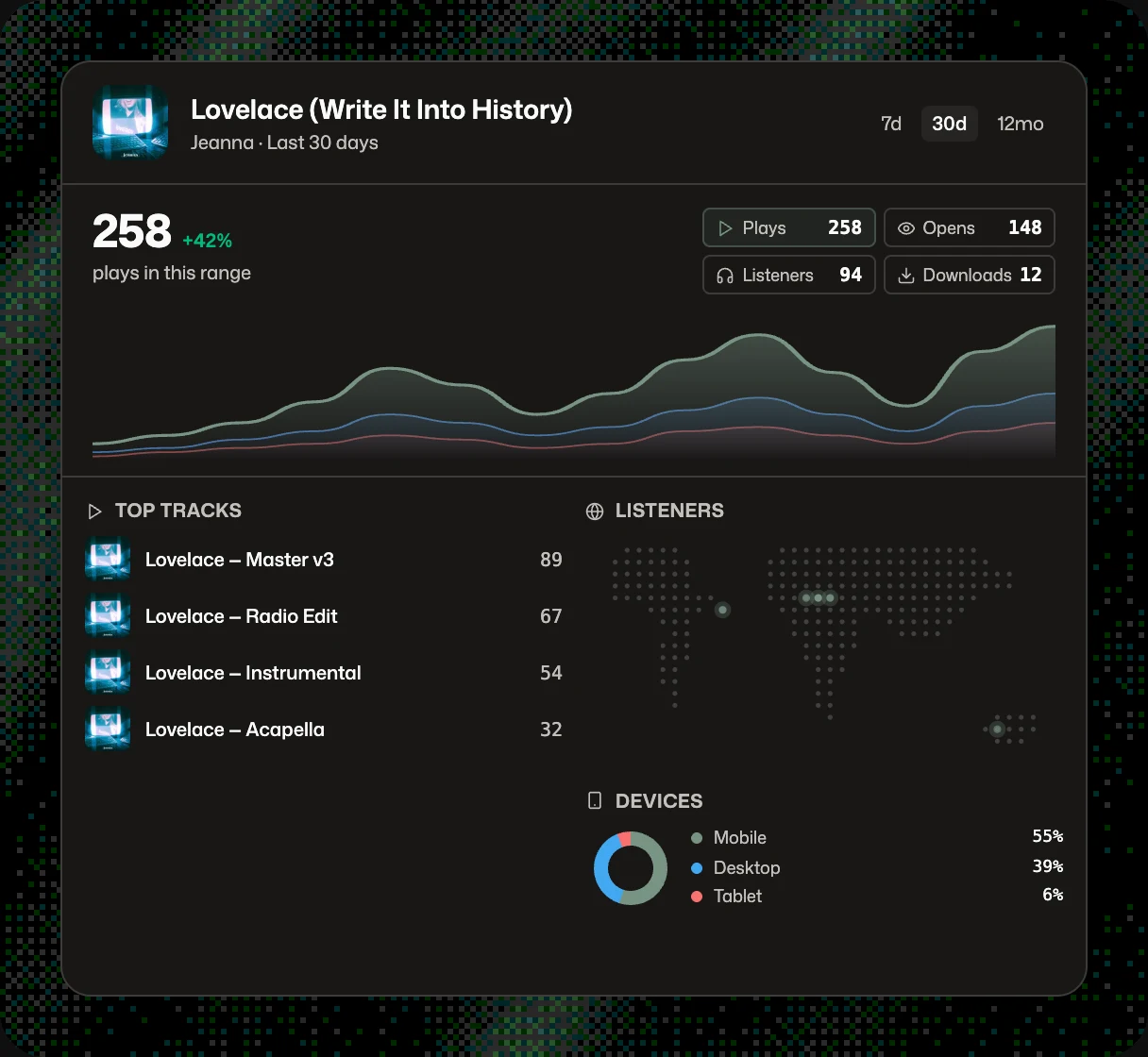
See who opened, played and downloaded a private link. Creator adds listener locations, devices and per-track detail.
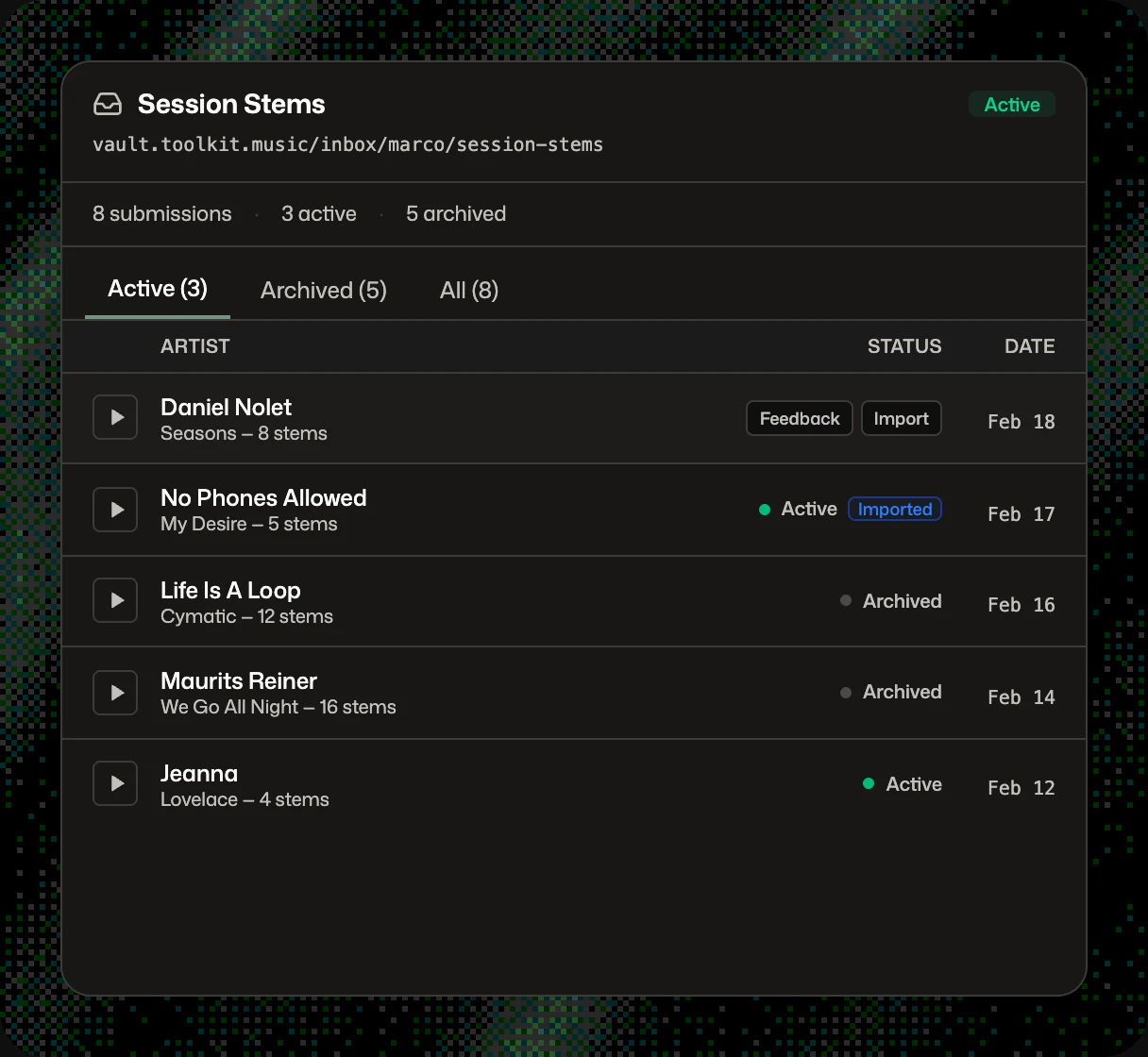
Collect demos and stems through a public inbox link, then review, import or archive each submission. Inboxes start on the Creator plan.
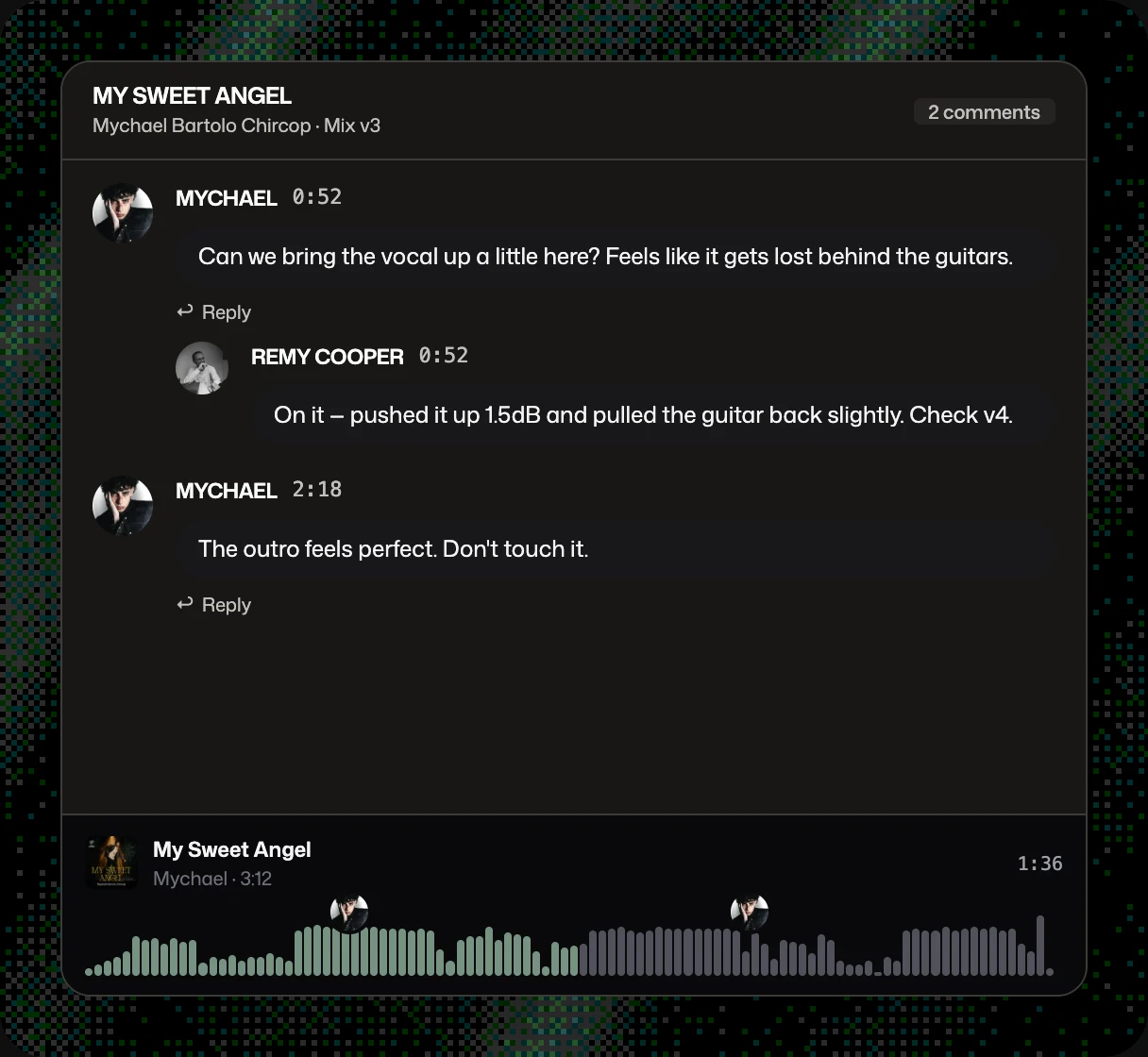
Collaborators leave comments at an exact moment in the track and reply in the same thread.
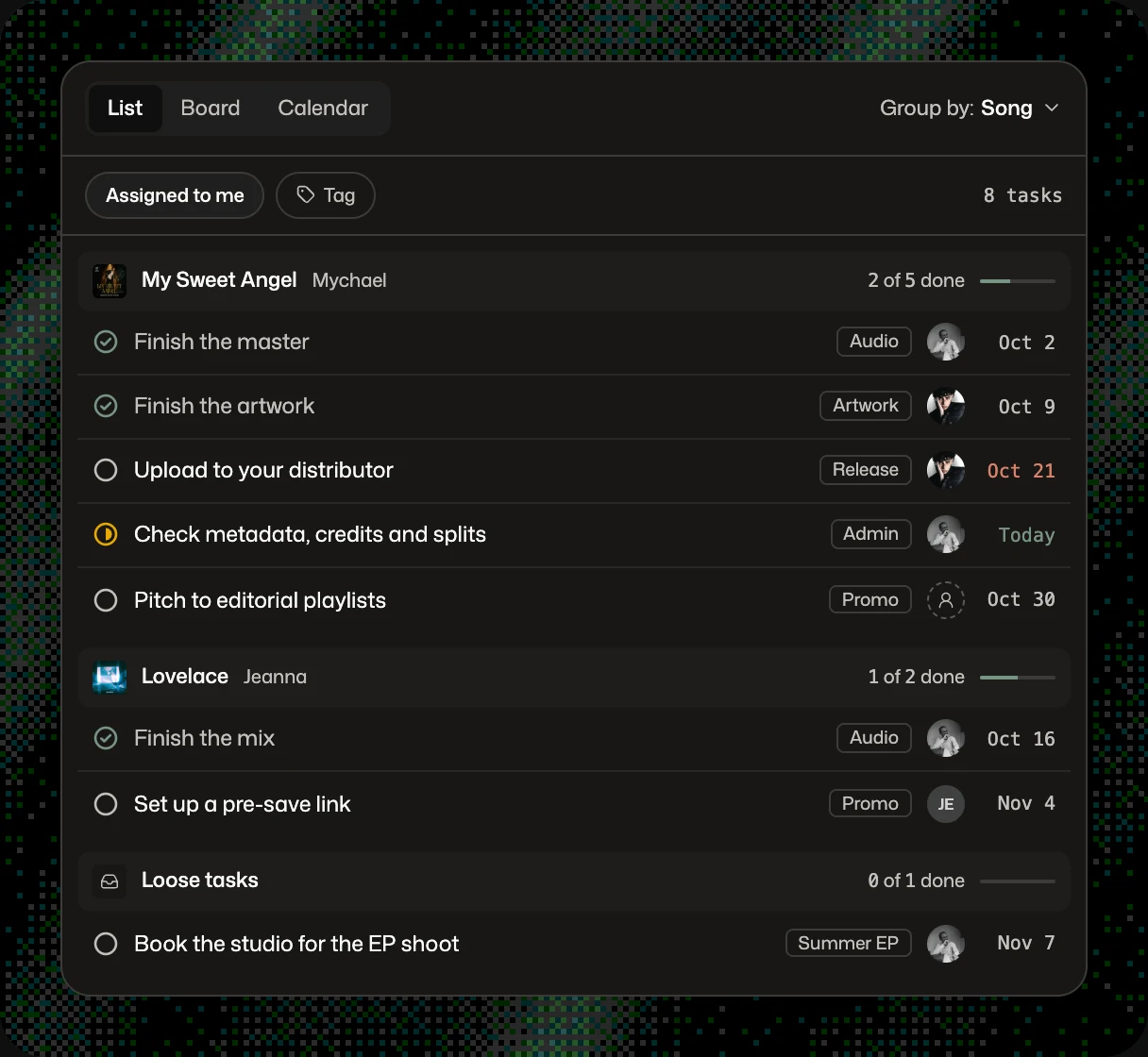
Plan release work per song in list, board or calendar view, with owners and due dates.
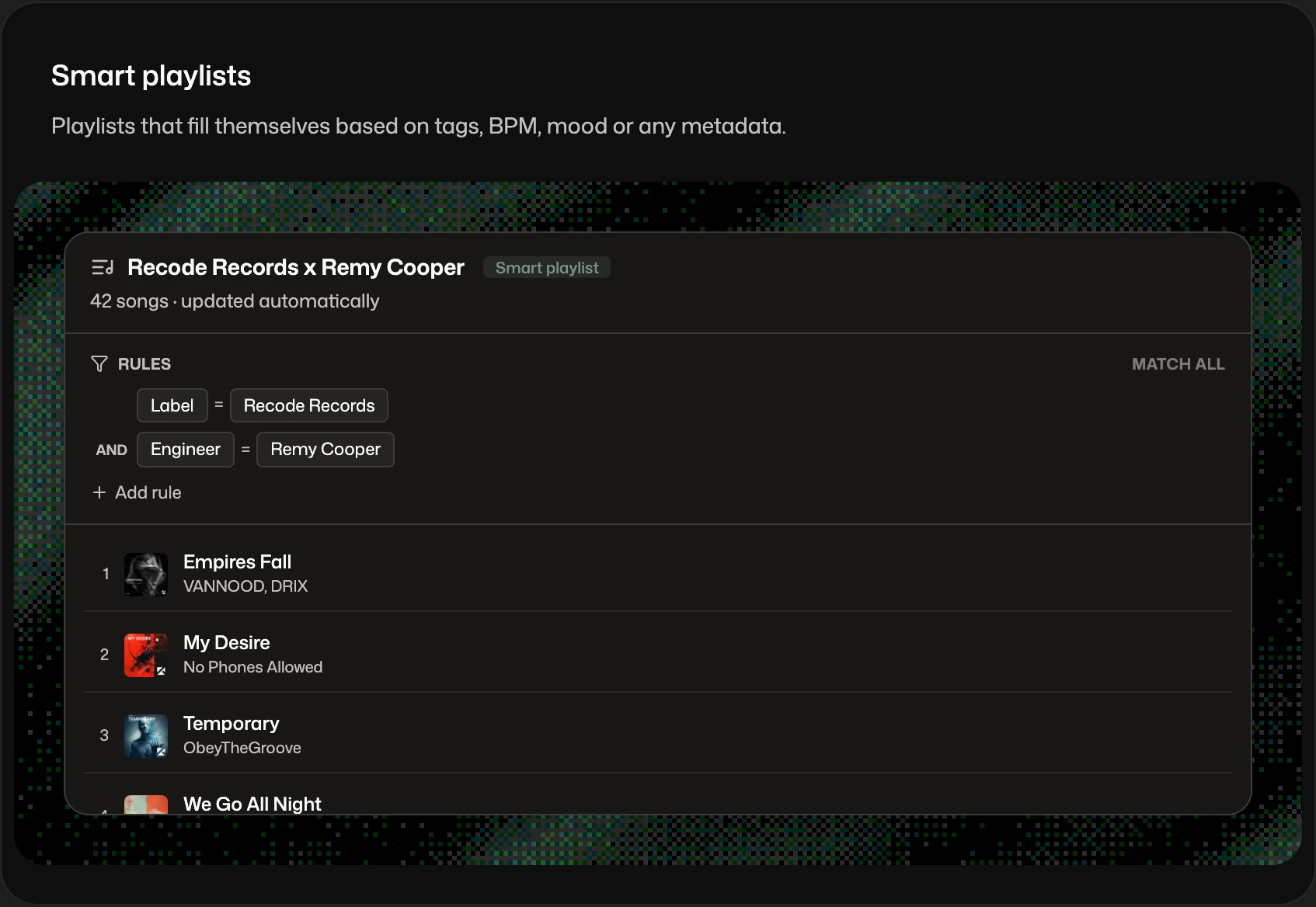
Smart playlists update automatically from rules on tags, BPM, status or other metadata.
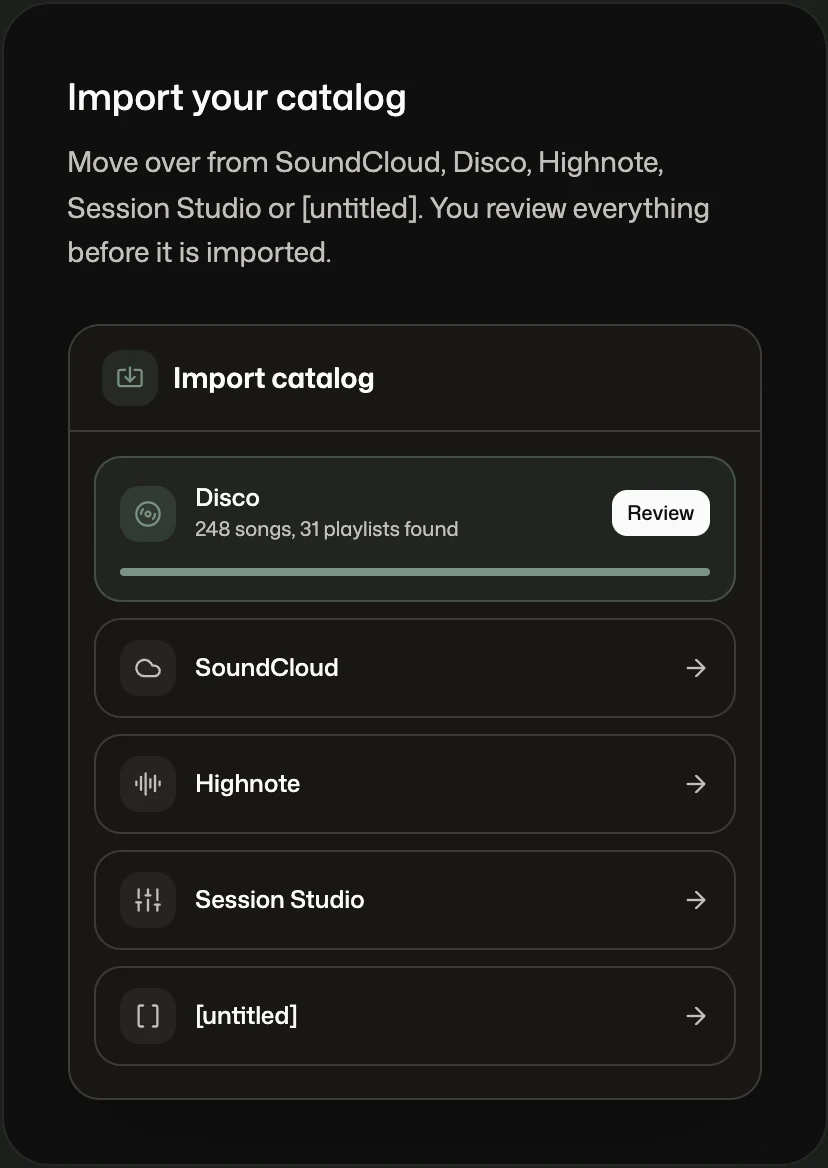
Move a catalog over from SoundCloud, Disco, Highnote, Session Studio or untitled, and review it before importing.
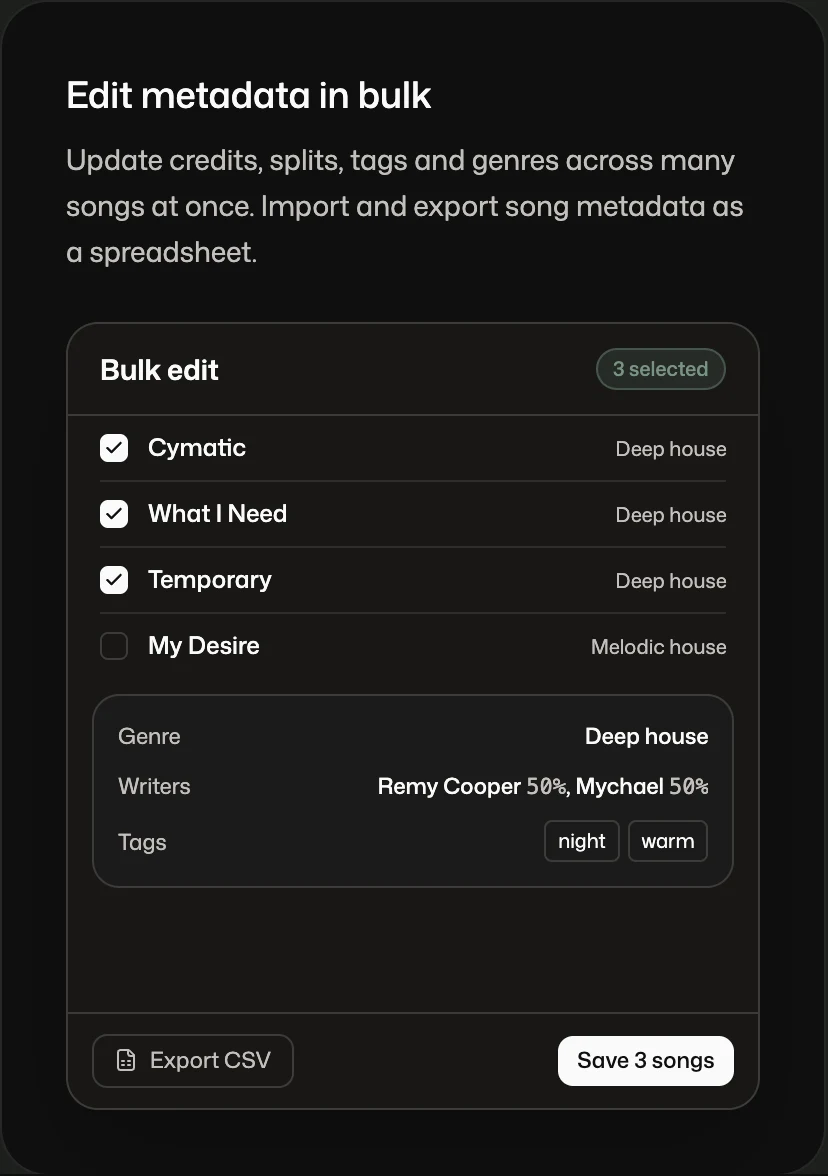
Edit credits, splits, tags and genres across many songs at once, and import or export metadata as a spreadsheet.
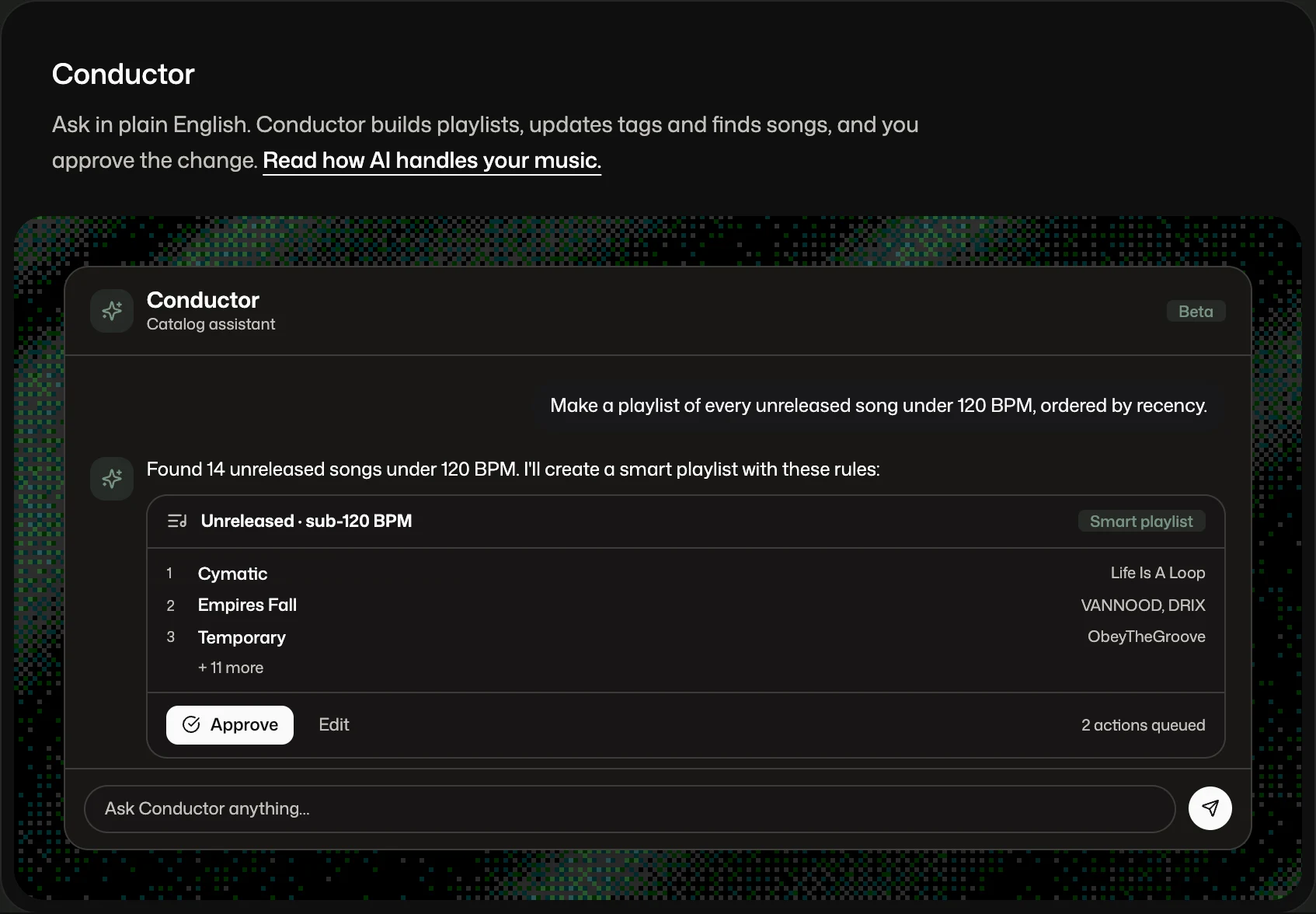
Ask Conductor in plain language to build playlists, update tags or find songs. You approve each change.
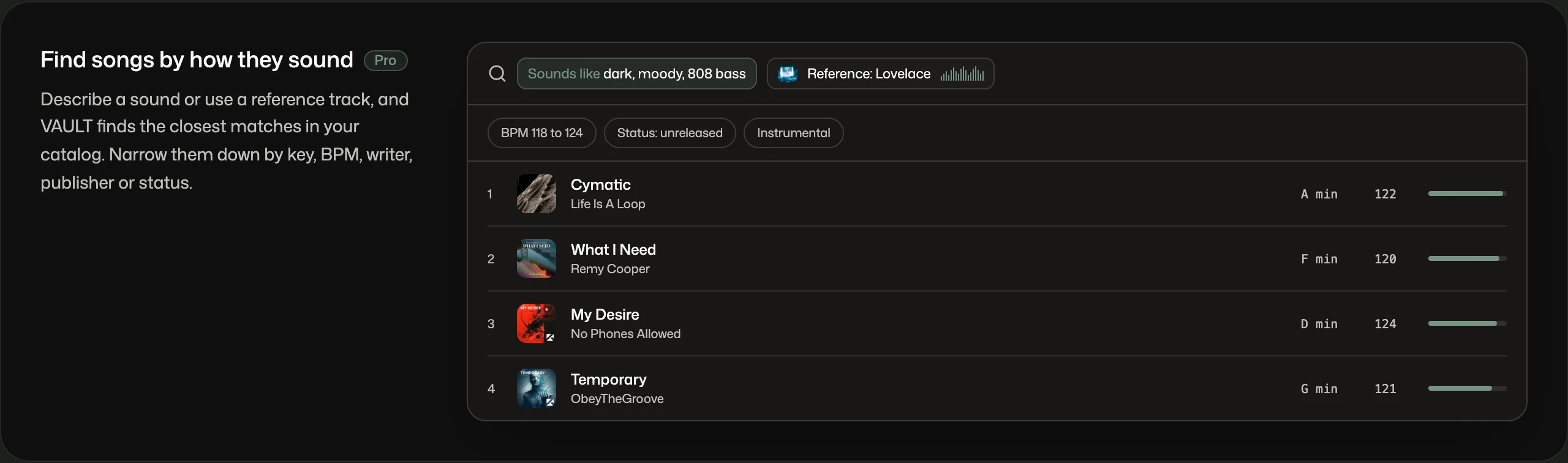
Describe a sound or use a reference track to find the closest songs in your catalog. Advanced Search is a Pro feature.
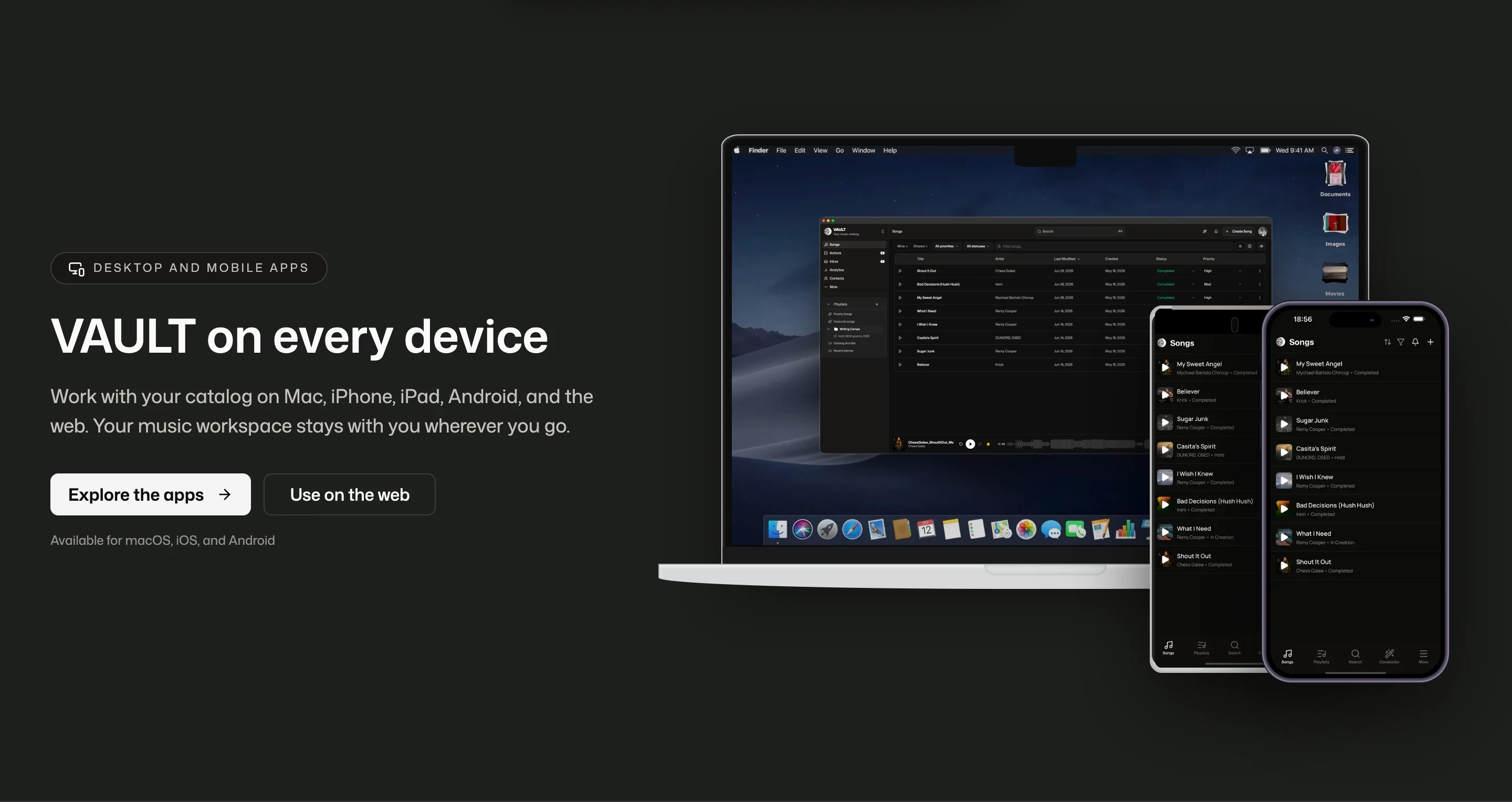
Work with your catalog on the web, on Mac, and in the iOS and Android apps.
Your catalog is
waiting.
Bring one active project into VAULT and keep versions, shares, and follow-up attached to the catalog.